Can the records I leave behind stay connected to the context of my current work and the direction ahead, rather than remaining scattered?
It started with hands-on experience.
This year, I have been taking time to slowly retrace and organize the traces of my journey so far. I felt that the person I am today did not come into being overnight, but grew out of layers of people I have met, projects I have worked on, sentences I have written, and activities I have chosen.
In that process, I came to a new realization. Past records are not simply memories that preserve time gone by; they are the context that helps me understand what I am doing now. That is why I want the records and activities I accumulate from here on to connect in a shared direction, rather than remain isolated. I wanted to create a flow in which today's meeting leads to the next proposal, a judgment made on an old project finds a new use in a brand strategy, and a conversation with one person becomes the starting point for the next collaboration.
The problem was not that I failed to keep records. I kept leaving thoughts in Telegram, appointments in my calendar, business cards in my photo library, and longer materials in Notion. But those records were scattered across separate tools, and I had no sense that they were connected. Whenever I needed context, I depended on memory and search, repeatedly doing the same organizing and explaining I had already done.
So instead of looking for ways to record more, I began looking for ways to make the records I already had explain one another and become useful again when needed. That is how I came to build a personal ontology system. It is not an archive that gathers everything in one place. It is a personal operating system that records relationships among people, projects, decisions, schedules, and ideas, allowing me to retrieve context when I need it and turn it into next actions and more efficient results.
Why Ontology?
I chose ontology not to classify my records better, but to preserve the relationships among scattered records. Changing note-taking apps and adding folders only changed where things were stored. I still had to rely on memory to know which person and project a record came from and what it would lead to next. What I needed was not a bigger archive, but a structure in which records could explain one another.
Define what counts as a person, project, schedule, or decision, and use consistent criteria to record how individual records connect.
- Define labels
- Group the same entities
- Record relationships
A folder usually puts a record in one place, but the context of real work does not fall into just one category. A note that says, 'I discussed the rebranding proposal with Minji and agreed to send a revision on Friday' connects simultaneously to the person 'Minji,' the project 'rebranding,' the decision 'revise the proposal,' and the next action 'send on Friday.' Ontology suited my problem because it lets me keep a single original record intact while preserving several relationships around it.
When you look up 'Minji,' you can see not only contact details but also related projects, conversations, decisions, and upcoming appointments.
- Identify the same person
- Gather related records
- View the context together
Once relationships are recorded, the way I search changes too. Instead of hunting for a file by asking, 'Where are the minutes from the last meeting?' I can ask, 'What was the last decision we made on this project, and what do we need to do next?' Microsoft GraphRAG, which finds relationships among people, topics, and decisions scattered across multiple documents, uses a similar principle. In a personal system, I can apply that approach on a scale no larger than my work requires.
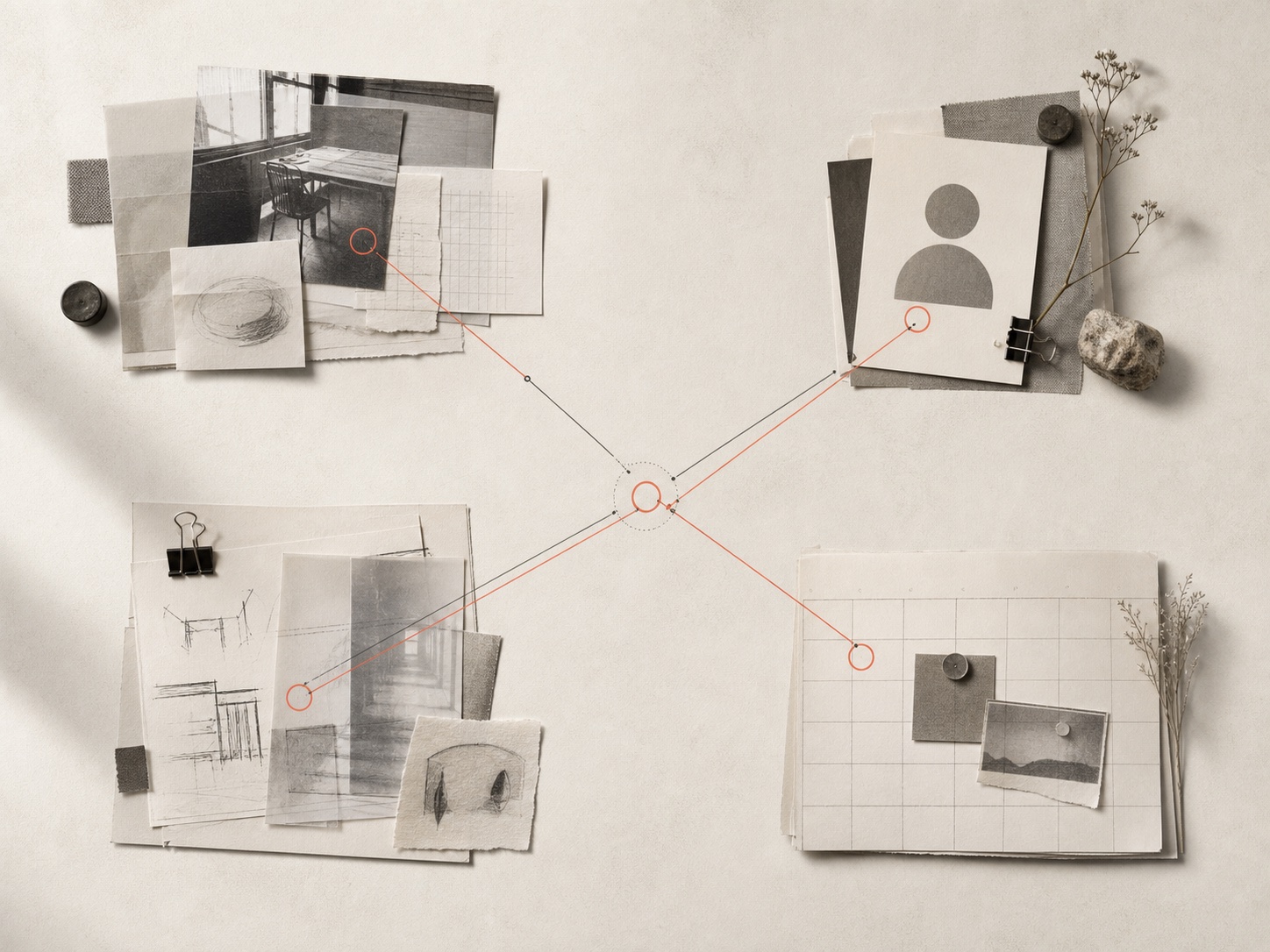
Unlike a search that retrieves a single document, relationships let you bring together decisions and their reasons from multiple meeting notes and materials.
- Preserve originals
- Connect related records
- Retrieve through questions
This structure also matters for how I use AI going forward. AI can summarize records and recommend related items, but it needs a consistent frame of reference to understand accurately whose story a piece of information belongs to and which decision it came from. When I preserve original records and sources and personally verify important relationships, AI can become more than a tool for organizing notes: it can understand my context and help with my next actions.
As more AI tools use information across apps, it becomes increasingly important to have criteria for checking what was connected and where the information came from.
- Choose connections yourself
- Keep originals and sources
- Correct errors promptly
What Scattered Records Can Help Resolve
Rather than combining your apps into one, start by connecting the entities and relationships you repeatedly look for.
| What Gets Scattered | Basis for Connecting | What Changes |
|---|---|---|
| People and conversations | Same person · When you met · Related projects | Review earlier context immediately before a meeting |
| Projects and decisions | Decision · Rationale · Participants · Next action | Avoid repeating discussions that have already been settled |
| Ideas and materials | Brand purpose · Content topic · Intended use | Reuse one idea in an article, proposal, and presentation |
| Schedules and tasks | Deadline · Owner · Prerequisites · Waiting status | Assess today's priorities and bottlenecks together |
| Brand standards | Philosophy · Slogan · Tone · Previous choices | Maintain consistency even as people and channels change |
6 Steps to Building a Personal Ontology System
Start with the questions you repeatedly ask, rather than choosing a tool first, and you can build the smallest structure you need.
-
01
Question
First, define the moments when you want to retrieve and use your records.
What you want to retrieve later, rather than what you want to store, determines the structure of the system.
If you start with storage, it is easy to end up with just another archive. Write down the questions you actually return to, such as 'What should I do today?', 'What did I last decide with this person?', or 'Which project could use this idea?' Only then can you decide which records and relationships to keep.
What to checkMake sure you have three questions you need frequently but currently take more than 5 minutes to answer.
Common mistakeBuilding tools and classification tables before deciding which questions they should answer.
What this step taught meThe questions you want to answer determine which records to keep and how to connect them.
-
02
Capture
Choose an entry point for recording thoughts and giving instructions anywhere, anytime.
Even with your laptop turned off, you should be able to leave a thought and give instructions for the next task using only your phone.
Choose one place as the entrance to your system where you can immediately send text, voice messages, photos, and links, even when you are out or on the move. A tool you already use every day works well, such as Telegram, email, or an inbox that opens quickly on mobile. This is not a place to store all your information; it is an entry point that passes records and instructions into the system without losing them.
What to checkCheck that you can record something or give an instruction on your phone within 10 seconds, without a laptop.
Common mistakeCreating a different input app for each type of material, or designing a system that requires turning on a computer before you can record anything.
What this step taught meA good entry point connects you to the system the moment a thought occurs, regardless of location or device.
-
03
Preserve
Preserve the original and its source before the summary.
Keep the original text, attachments, creation time, and the channel through which the material arrived. AI summaries may change, but the original provides the evidence needed to verify connections and reinterpret the information.
What to checkYou must be able to return to the original if a summary is wrong.
Common mistakeSaving only the sentences organized by AI.
What this step taught meTrust comes from traceable evidence, not an impressive answer.
-
04
Identify
Start by identifying people, projects, decisions, schedules, and ideas.
Five types are enough to begin with. Establish a canonical name so that the same person is not duplicated under different names, and add only the attributes you need.
What to checkYou must be able to distinguish people with the same name and recognize aliases for the same project.
Common mistakeTrying to classify every piece of information perfectly from the start.
What this step taught meA small shared vocabulary is where connections begin.
-
05
Relate
Treat AI connections as candidates, and confirm the important relationships.
Start with relationships that affect actions, such as 'participated in,' 'decided,' or 'is a follow-up task.' Leave uncertain connections as candidates and check the evidence.
What to checkYou must be able to see which original record each connection came from.
Common mistakeAutomatically merging records just because the same word appears.
What this step taught meThe number of trustworthy relationships matters more than the number of lines.
-
06
Recall
Ask questions every week, and fix only the gaps that left you without an answer.
Ask real questions about a person's context before a meeting, stalled projects, or decisions without a next action. Record why you could not find an answer, and gradually refine naming and relationship rules.
What to checkCheck whether the information you retrieve changes a choice or action today.
Common mistakeTreating the appearance of the graph or the number of nodes as a measure of success.
What this step taught meA good system proves itself through retrieval time, not storage volume.
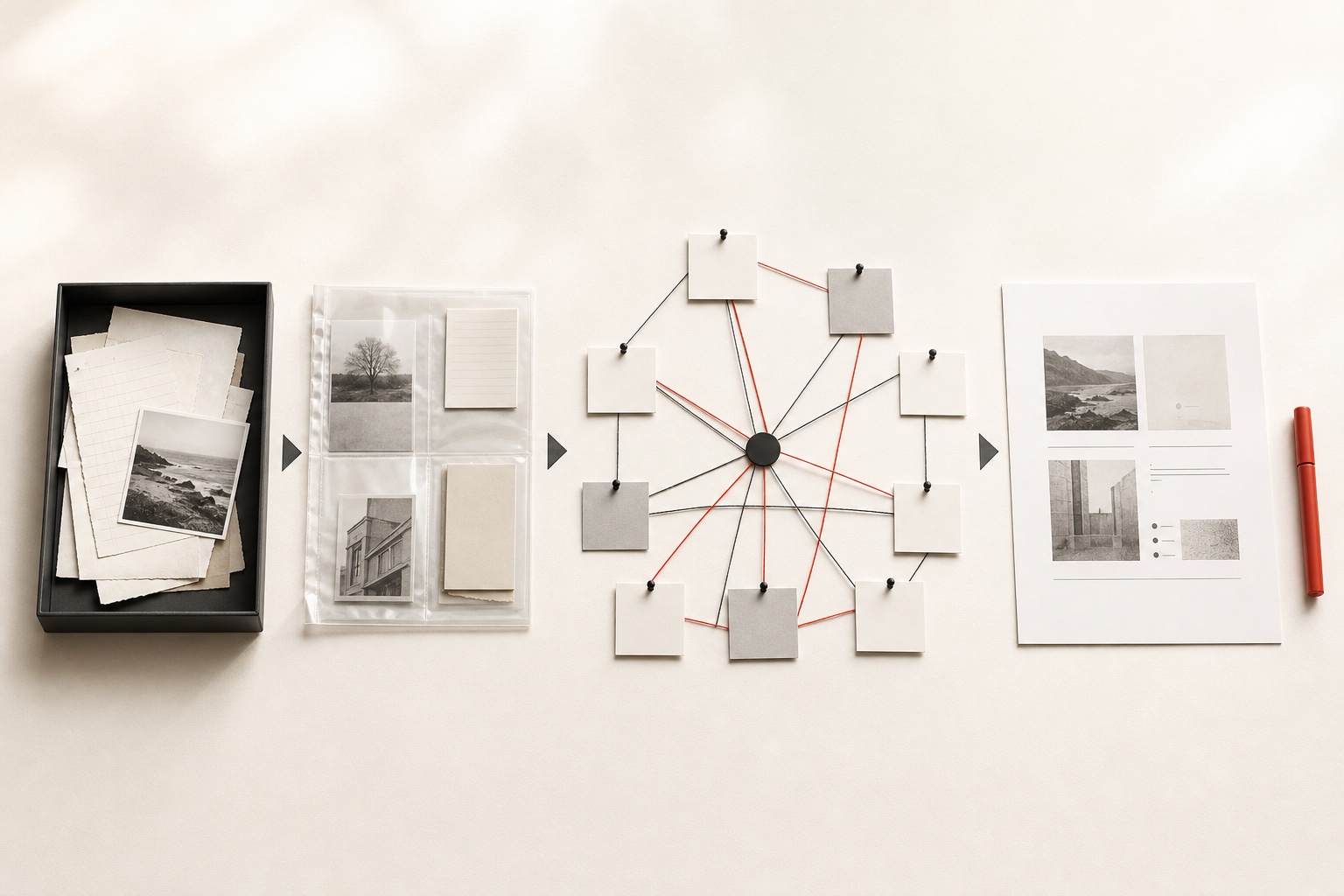
Six Moves That Turn Records into Results
This is not a database you finish once, but a repeating structure that becomes more refined through use.
- 01CaptureKeep it easy, in a familiar place
- 02PreserveRetain originals, sources, and timestamps
- 03IdentifyUse the same name for the same entity
- 04ConnectKeep only relationships needed for action
- 05RetrieveFind context through questions
- 06ImproveRefine rules that failed to produce answers
Who Needs This Most
If repeatedly finding and explaining the same context is taking more of your time than the volume of records itself, you already have good reason to start.
Brand directors connecting strategy and production on their own
The more meetings, brand standards, content, and external communication converge on one person, the greater the cost of switching contexts.
What to aim forLet meeting decisions feed directly into proposals and content
Creators expanding one idea across multiple channels
Connecting ideas, examples, and wording you have already used lets you turn them into articles, social posts, and presentations without repeating the same research.
What to aim forCreate multiple outputs from one source while maintaining your tone
Project leaders whose meetings and decisions are scattered across tools
Keeping the reason for a decision, its owner, and the next action together can reduce the time spent on handovers and status checks.
What to aim forFind who decided what and why, alongside the original record
Anyone who wants to turn years of records into a personal asset
Connecting past activities to current projects can reveal your own perspective and direction, rather than just a list of career experiences.
What to aim forFind recurring choices and strengths in the traces of your past
Recommended Reading for Better Record-Keeping
These books published in Korea can be read in sequence, from the meaning of recording to classification, connection, and building practical tools.

Geoin-ui Note · Kim Ik-han
A Korean scholar of archival studies explains how recording can become a source of direction and growth in life, rather than simple storage.
What to aim forDecide why you will return to a record before deciding what to record
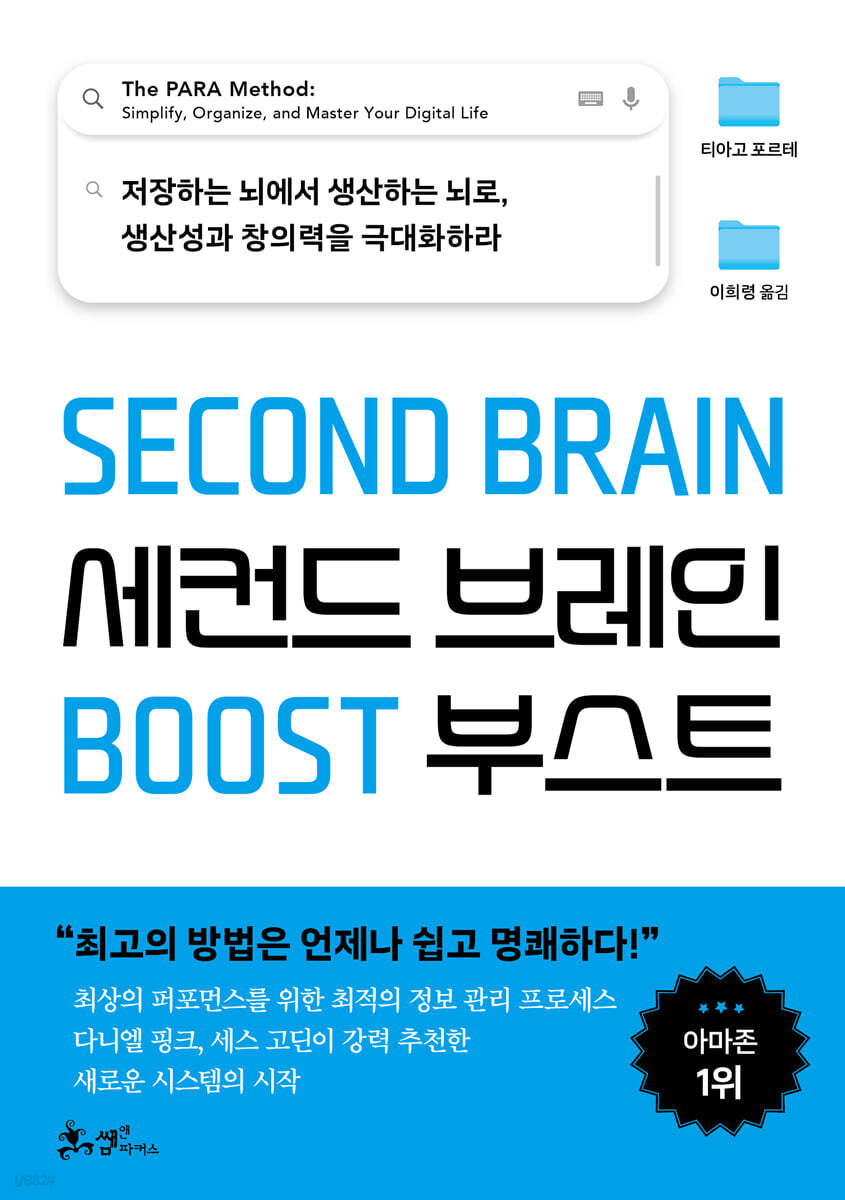
Second Brain Boost (Korean edition) · Tiago Forte
Covers the PARA method of organizing information into Projects, Areas, Resources, and Archives, with action rather than storage as its purpose.
What to aim forBuild an information flow around your current projects
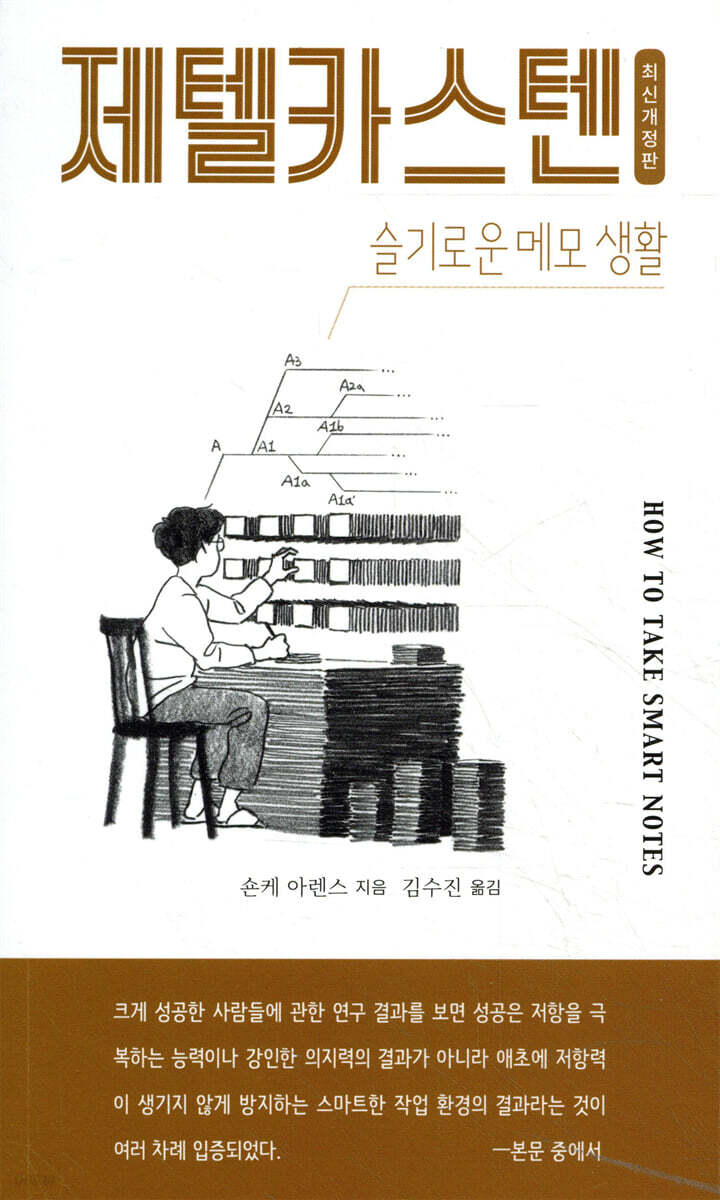
Zettelkasten (Korean edition) · Sönke Ahrens
Explains how to connect isolated notes so that ideas and writing can grow. It is helpful for understanding a structure in which records lead to finished work.
What to aim forWrite one note in your own words and connect it to one related note
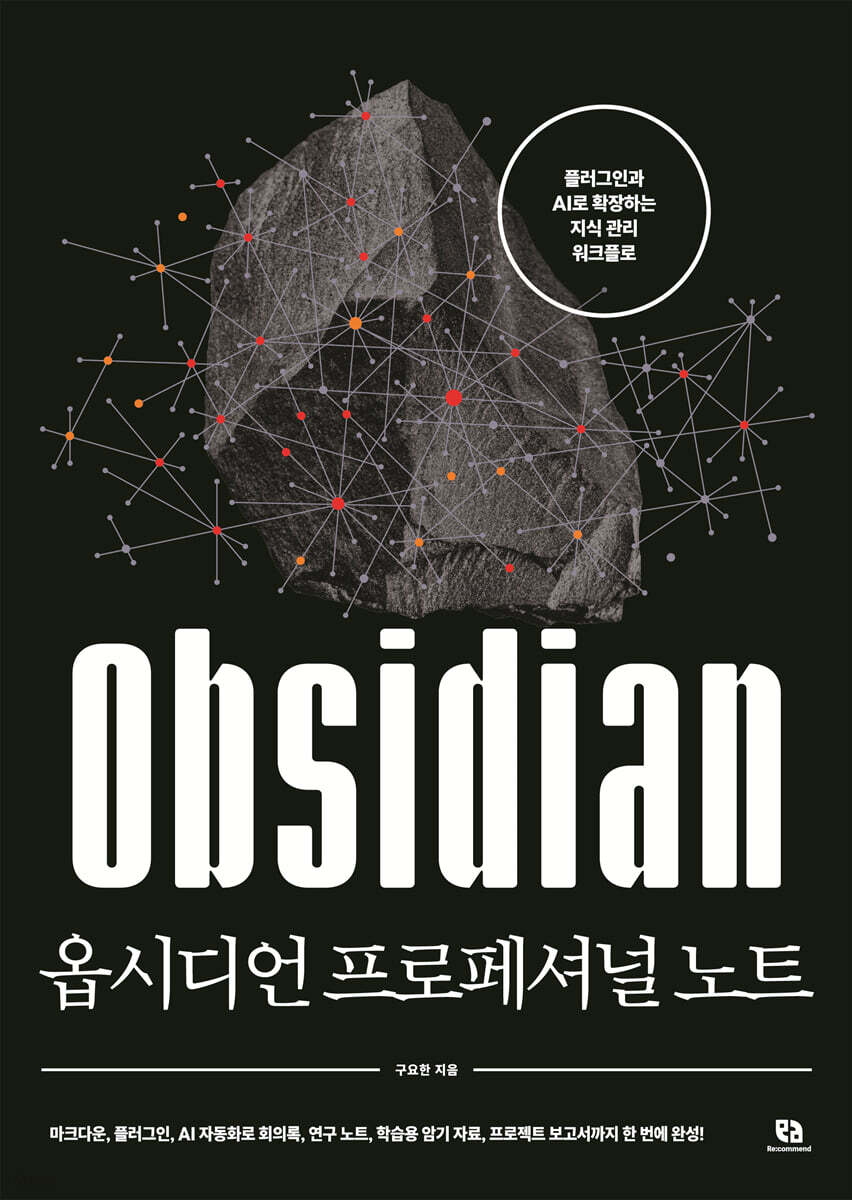
Obsidian Professional Note (Korean title) · Gu Yo-han
A practical Korean guide to implementing note connections, metadata, search, and AI integration in an actual Obsidian workflow.
What to aim forPractice linking people, projects, and meetings in a small vault
“The traces of my journey are not things stored away in the past. They are the context that explains who I am now and shapes where I go next.”
Park Siha · SIHA
Putting it into practice
- 01Write down three questions you repeatedly looked for answers to this week.
- 02Choose one frequently used messenger or note-taking tool as your entry point.
- 03Create only the canonical names for people, projects, decisions, schedules, and ideas.
- 04Save the original, source, and timestamp first, and keep AI summaries separate.
- 05Connect only the relationships needed for action, and leave uncertain ones as candidates.
- 06Test retrieval with real questions every week, and revise only the rules that did not produce answers.
Free System Starter Kit
Start Building a System That Puts Your Information Back to Work.
A personal ontology system skill covering question design, a minimal data model, capture, connection, and search flows, and security and recovery checklists.
- A question-design worksheet for your system
- A minimal data model for people, projects, and schedules
- Rules for AI-suggested connections and original preservation
- Operating standards for security, backups, and failure recovery
We will send the skill link once to your email address.Newsletter signup is optional.
Further thoughts
David Allen said, 'Your mind is for having ideas, not holding them.' A personal ontology system goes one step beyond getting records out of your head. It connects them to whose work they concern, which projects and decisions they belong to, and what needs to happen next.
As personal AI becomes more widespread, everyone will be using the same models. What makes the difference then is the context of the perspectives, relationships, and choices I have accumulated throughout my life. My records need to be connected for AI to suggest a next action that feels like me, rather than a generic answer on my behalf.
The measure of success for a personal ontology system is not its node count. It is whether meeting preparation takes less time, whether I stop repeating the same explanations, and whether past judgments find new use in today's content and proposals. Only when records create direction and return as tangible results is the system truly working.
Sources and further reading
-
DefinitionDefinition of Ontology · Thomas R. Gruber
A foundational original text defining ontology as a shareable specification that makes concepts, entities, and relationships explicit.
Read the source -
Landmark CaseIntroducing the Knowledge Graph: Things, Not Strings · Google
A landmark example of search moving beyond keyword matching to use the identities and relationships of real-world entities.
Read the source -
ResearchGraphRAG: Unlocking LLM Discovery on Narrative Private Data · Microsoft Research
Explains an approach that structures scattered, unstructured documents as a knowledge graph to answer questions about overarching themes and connections.
Read the source -
2026 NewsGemini Introduces Personal Intelligence · Google
Introduces the capabilities and limitations of a feature that reasons about personal context by connecting Gmail, Photos, YouTube, and Search at the user's discretion.
Read the source -
Quote & MethodGetting Things Done · David Allen
Explains the principle 'Your mind is for having ideas, not holding them.' and the need for a trusted external system.
Read the source -
Korean BookGeoin-ui Note · Kim Ik-han
Explores ways to connect recording with direction and growth in life from the perspective of a Korean scholar of archival studies.
Read the source -
Korean BookSecond Brain Boost (Korean edition) · Tiago Forte
The Korean edition explaining PARA classification and operating methods, with action rather than storage as the purpose of information.
Read the source -
Korean BookZettelkasten (Korean edition) · Sönke Ahrens
A Korean edition on the Zettelkasten method of developing ideas and writing by connecting isolated notes.
Read the source -
Korean BookObsidian Professional Note (Korean title) · Gu Yo-han
A practical Korean guide to implementing note connections, metadata, search, and AI integration in a real workflow.
Read the source